The platform we're using for live sessions is called Bigmarker.
Before each session, you will receive an invitation link. You do not have to download anything, but please do the following:
1) Make sure your browser is updated!
- Here's how you can update Chrome, our recommended browser.
2) Prepare a at least a backup browser and/or device
If anything goes wrong during the session, please try refreshing the browser first. If that doesn't work, switch to another browser (Firefox/Safari) or another device (computer/tablet/phone).
3) Do a System Check
The MOST EFFECTIVE way of making sure that everything will work smoothly is to go through this system check before attending tomorrow's session:
https://www.bigmarker.com/system_check
Reminders:
[A] The meeting space will open up 15 minutes before our session & we'll start on time.
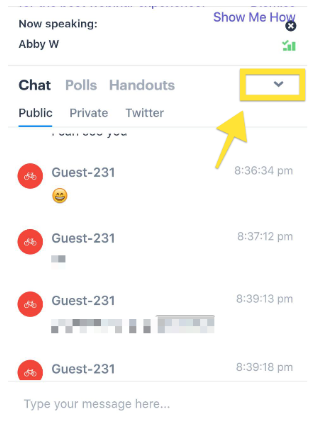
[B] If you're on your phone, here's how you can access the chat function: